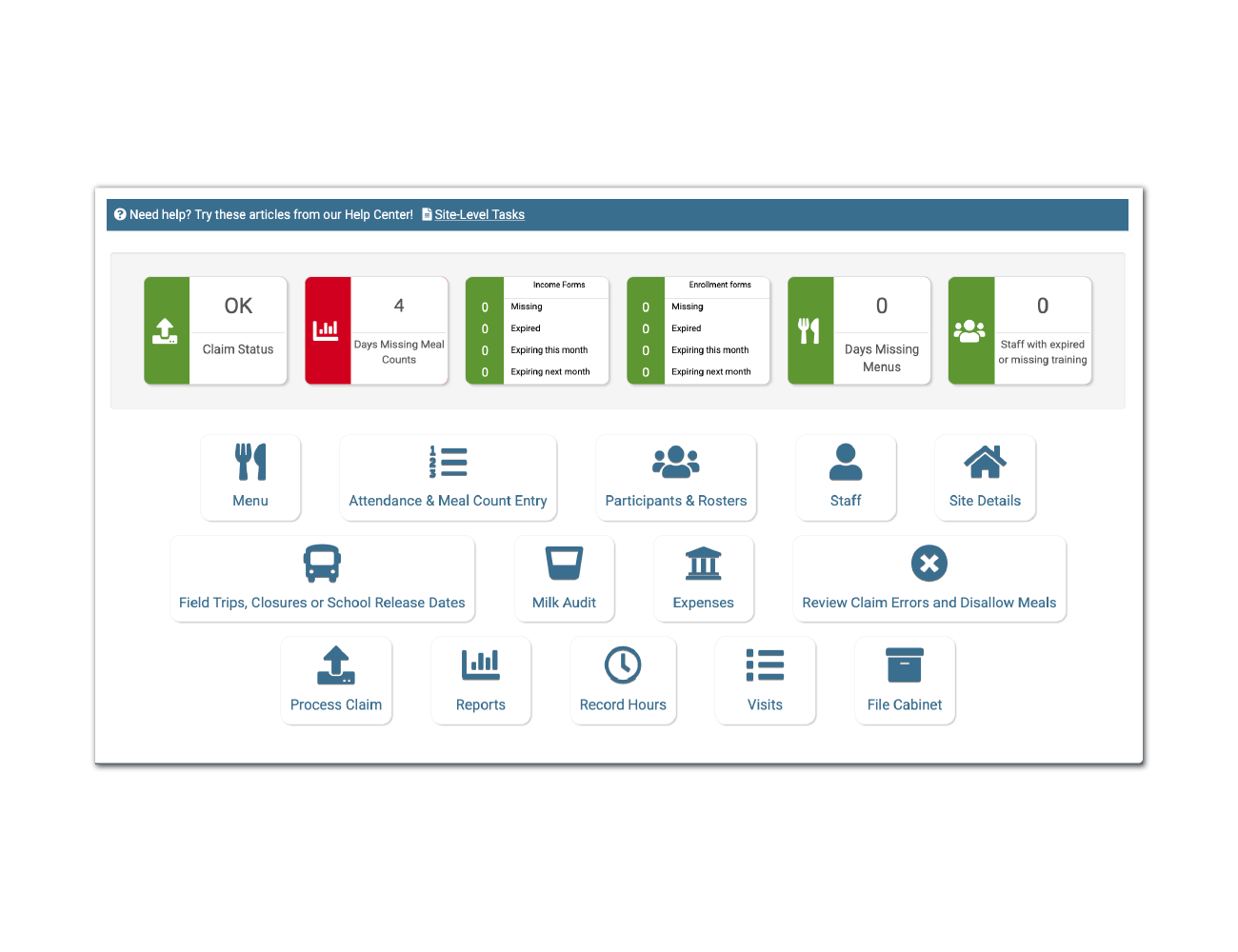
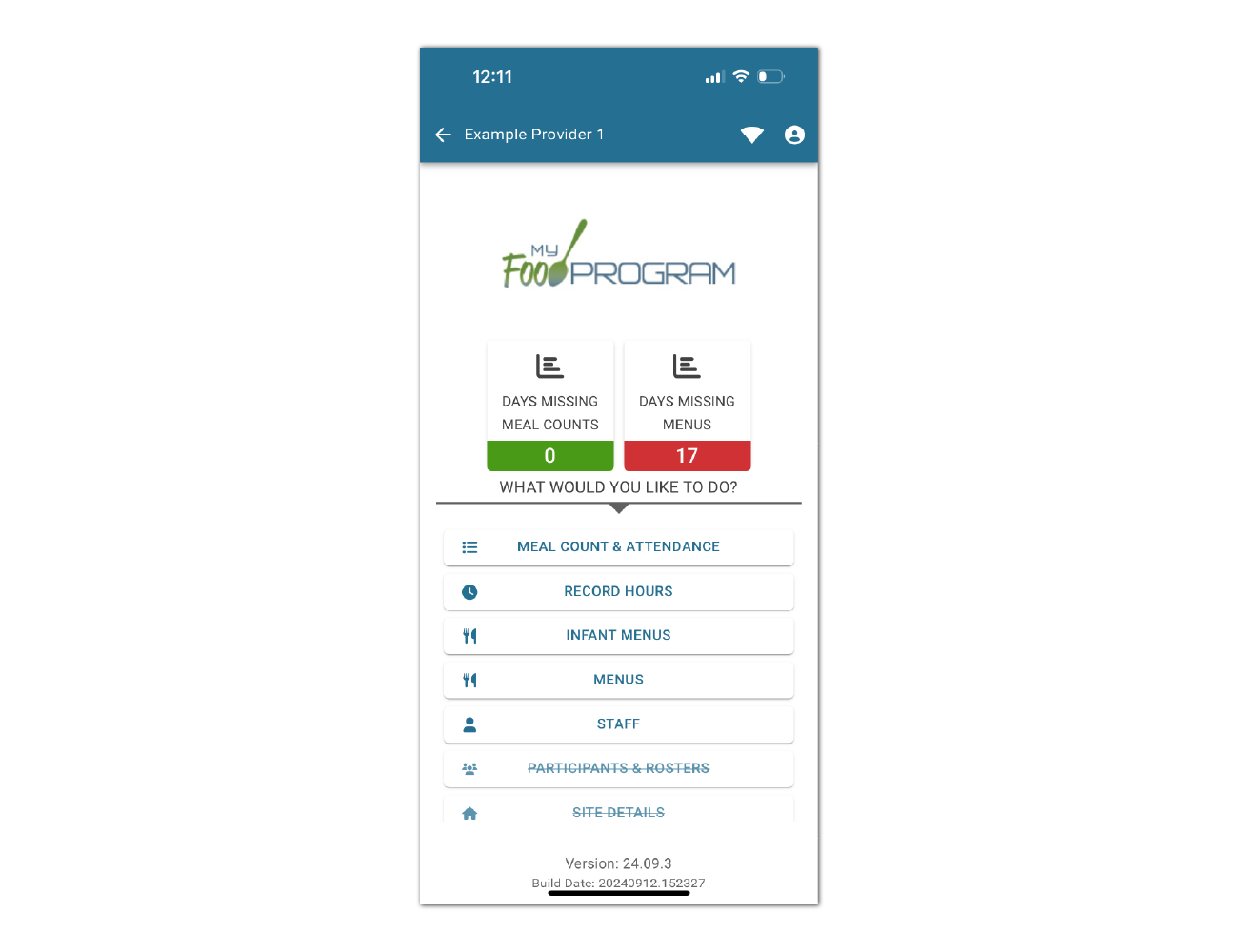
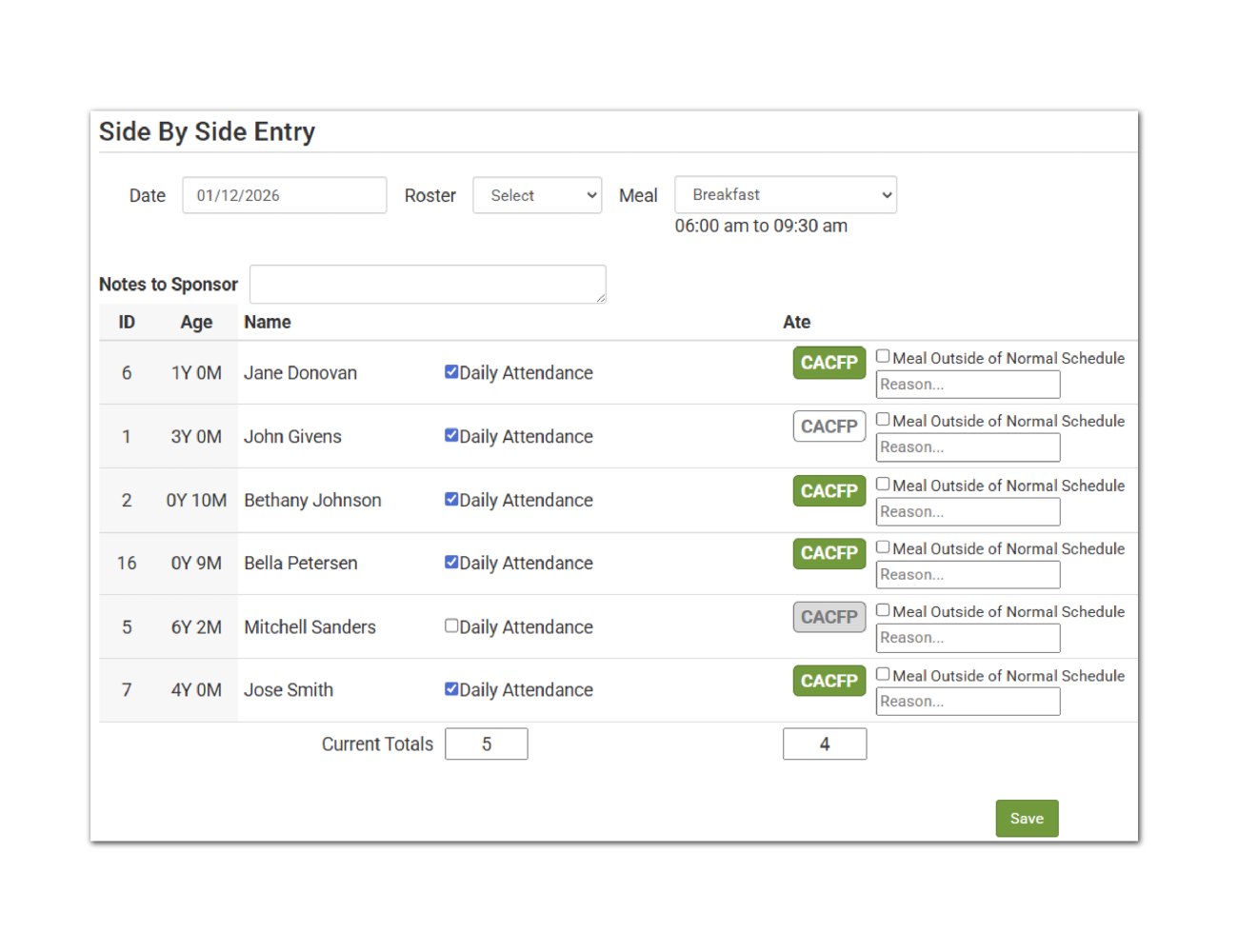
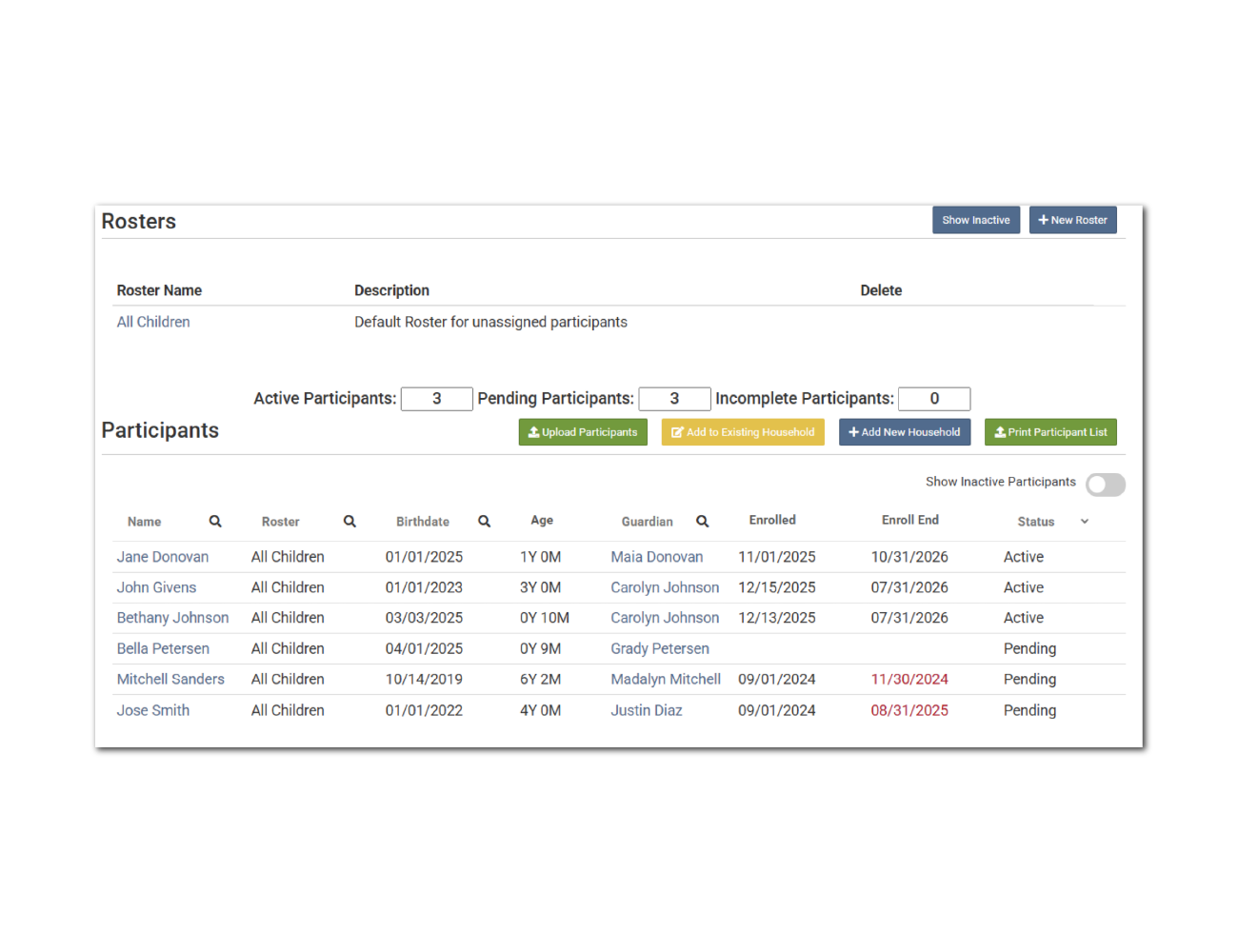
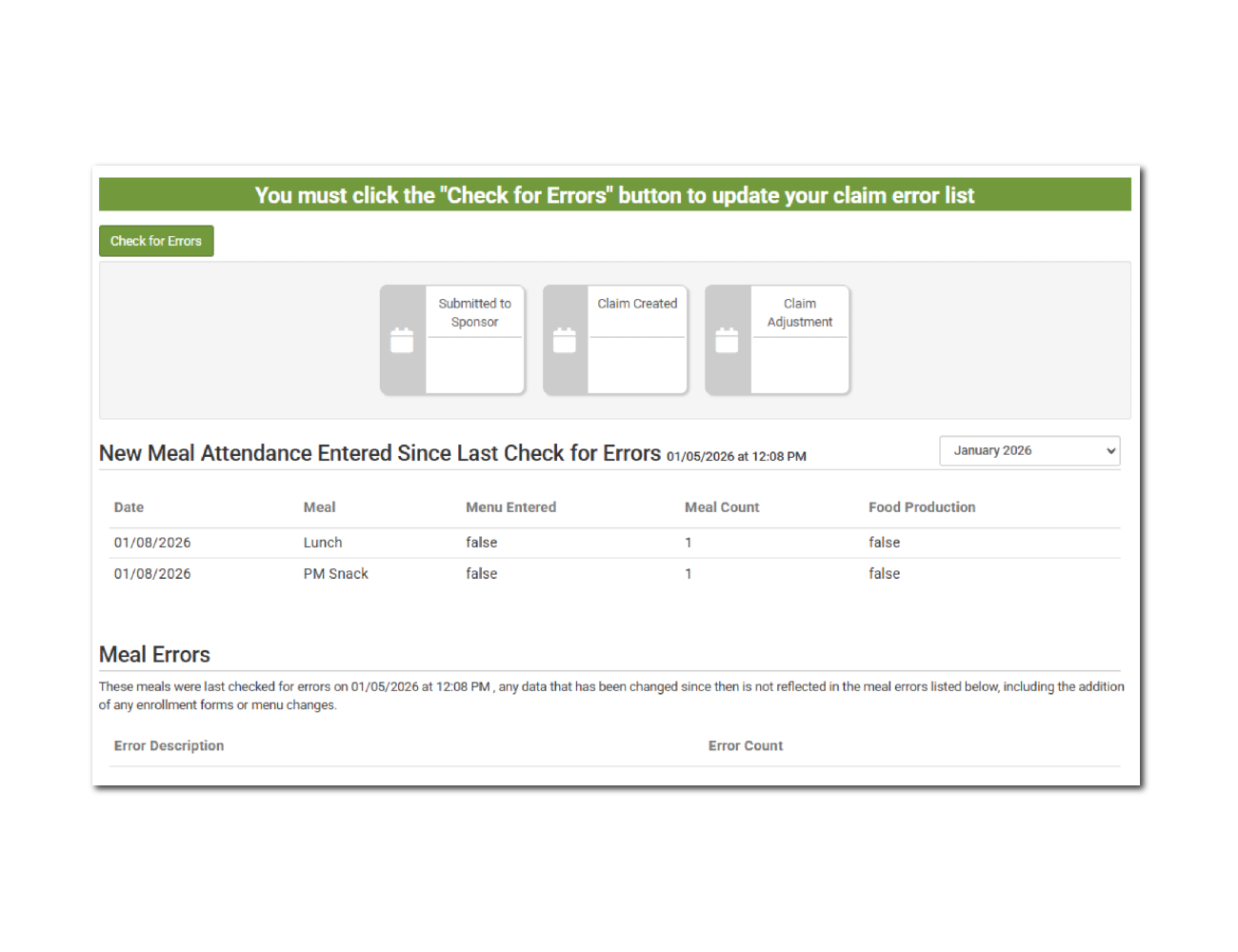
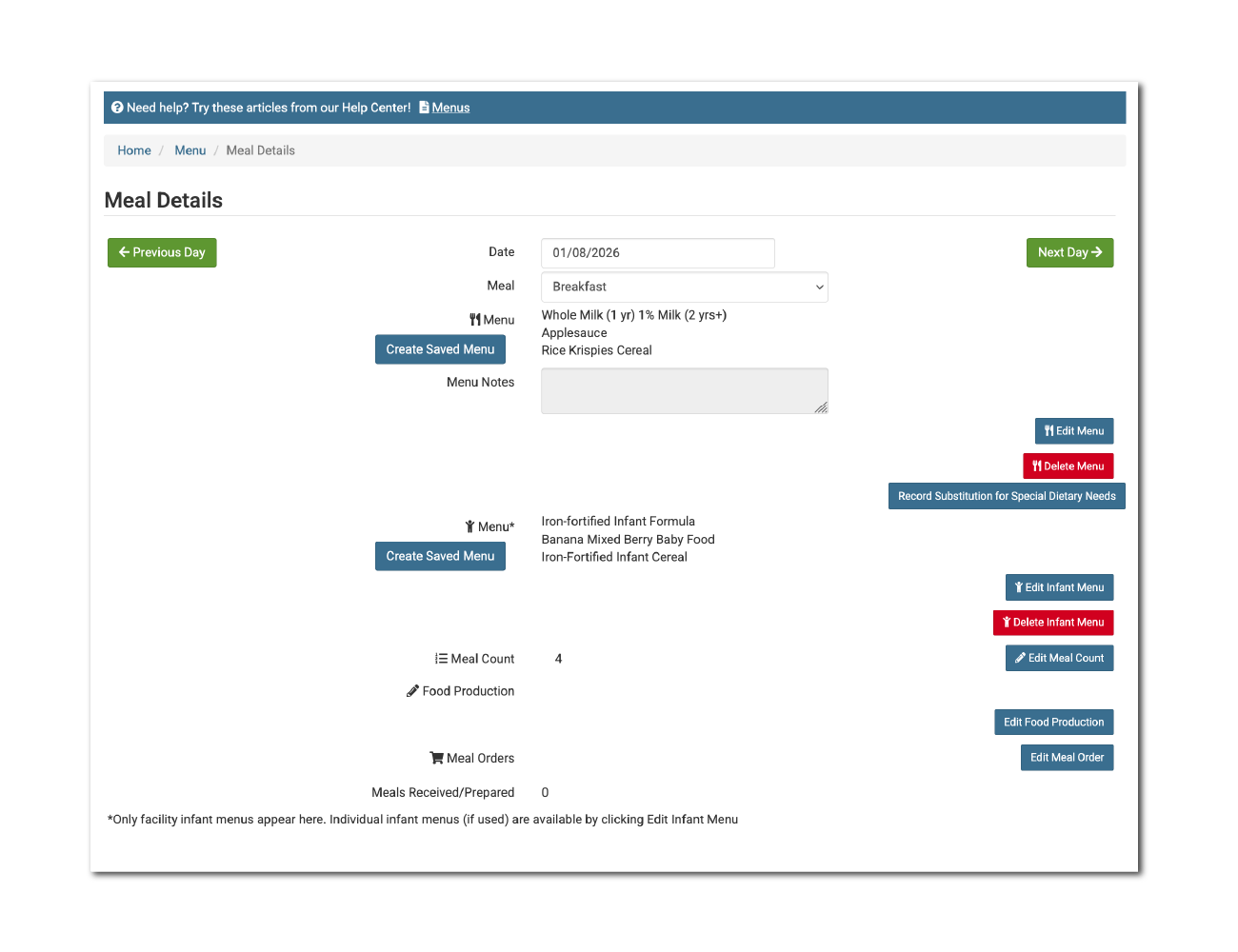
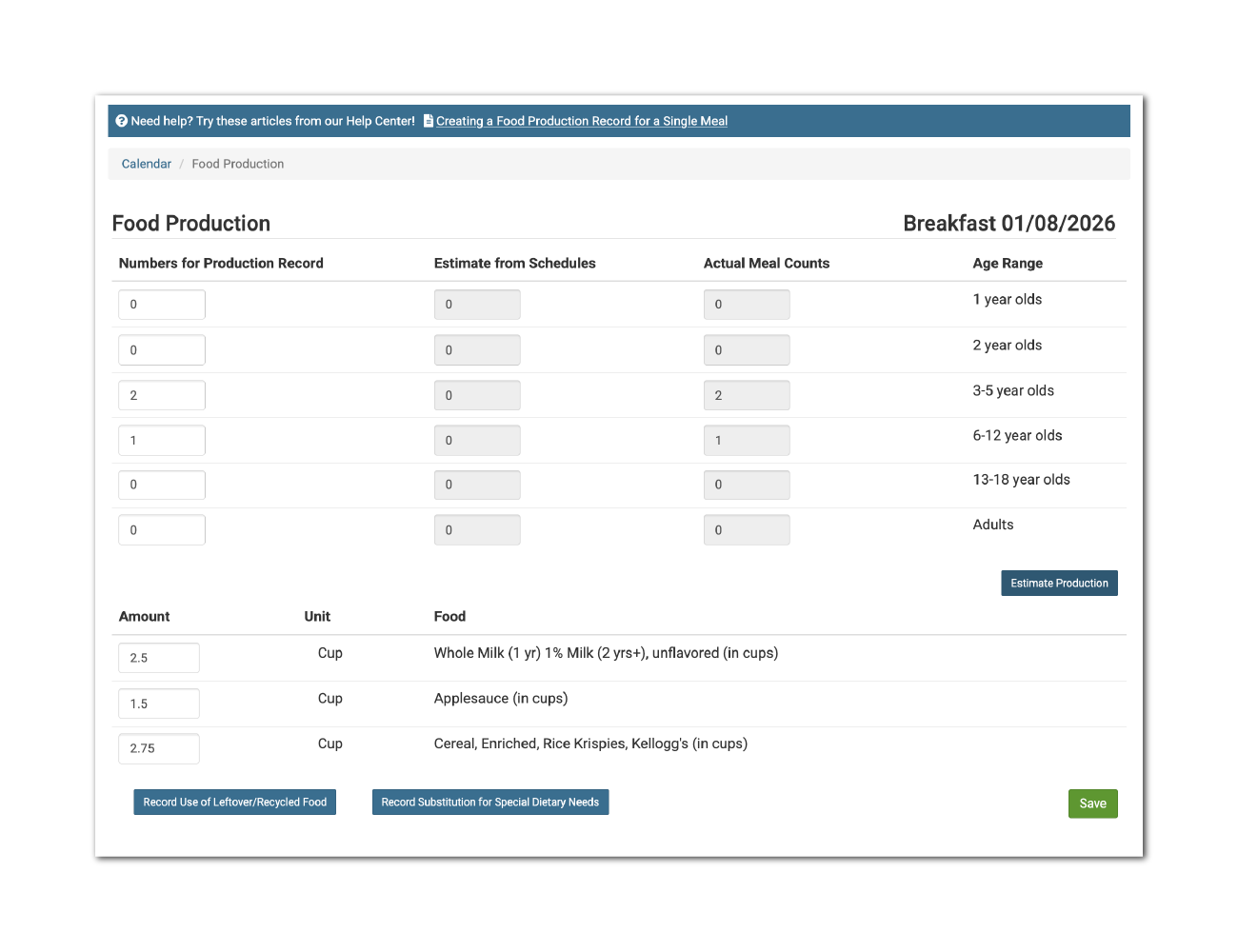
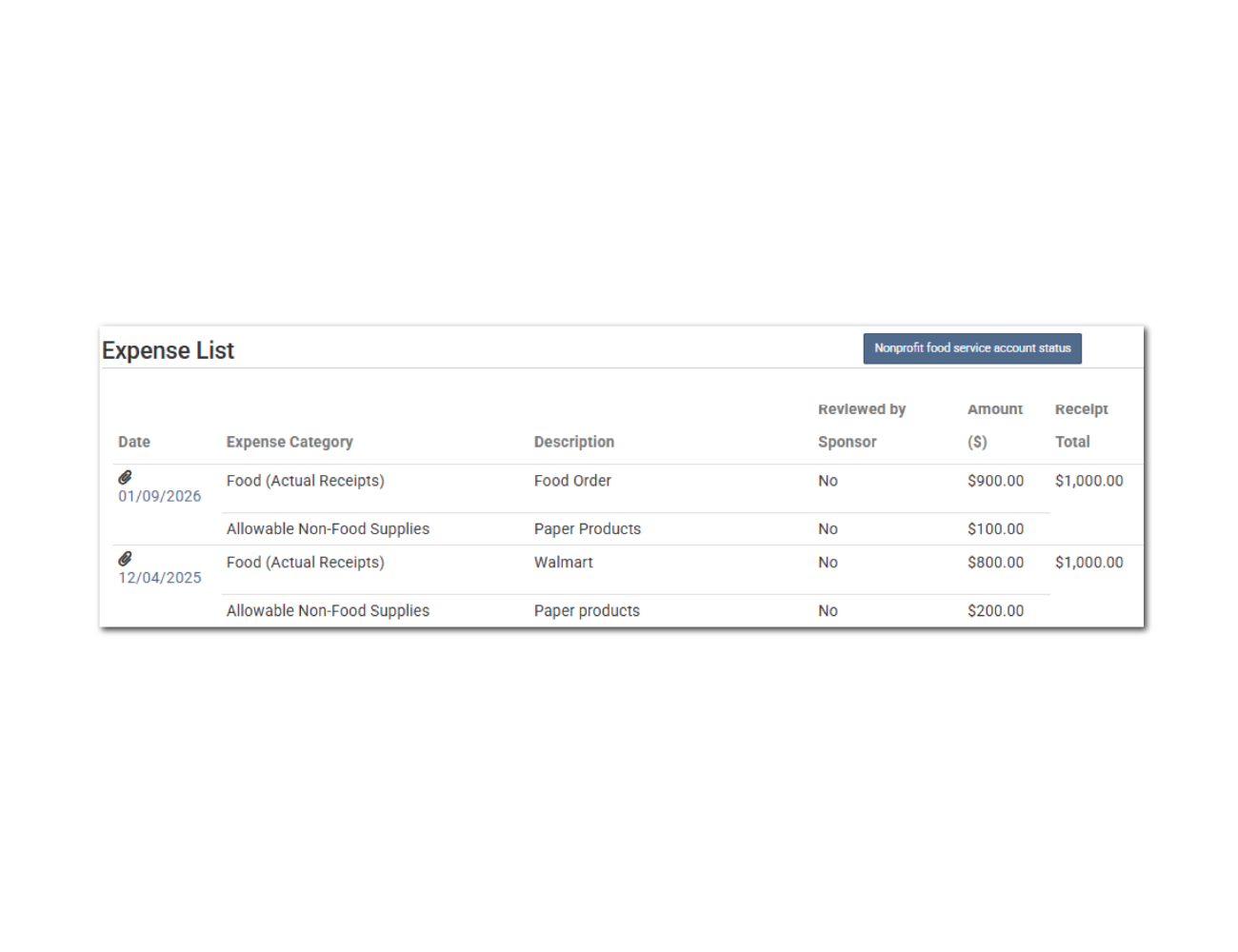
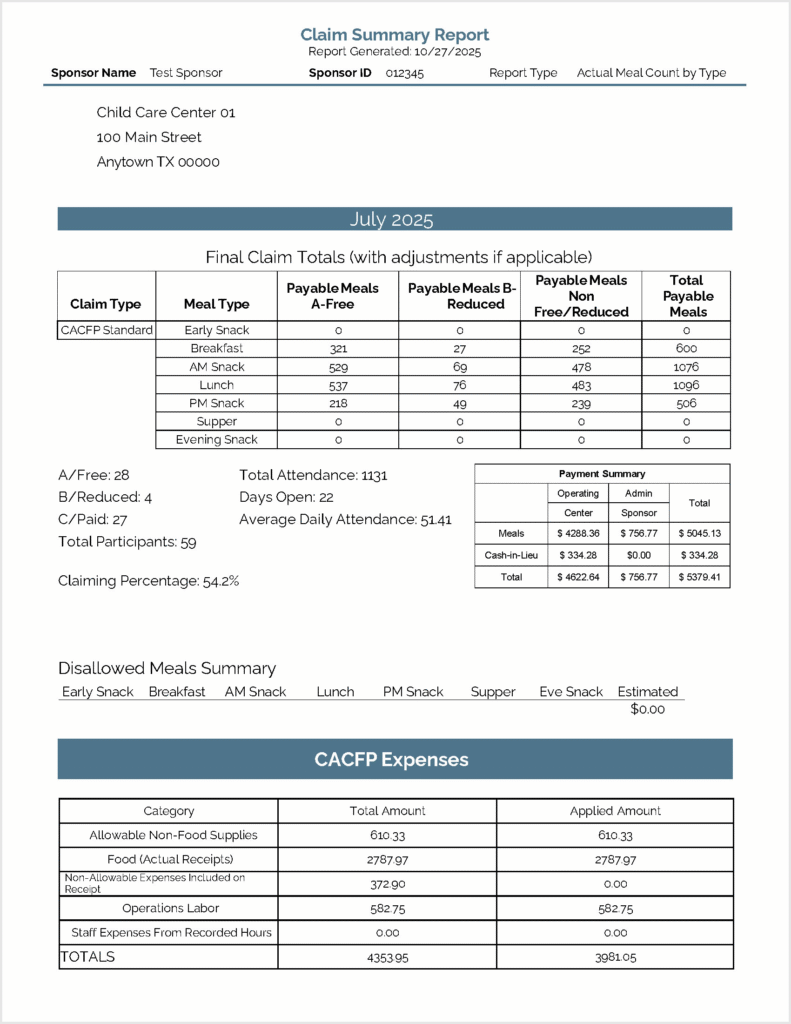
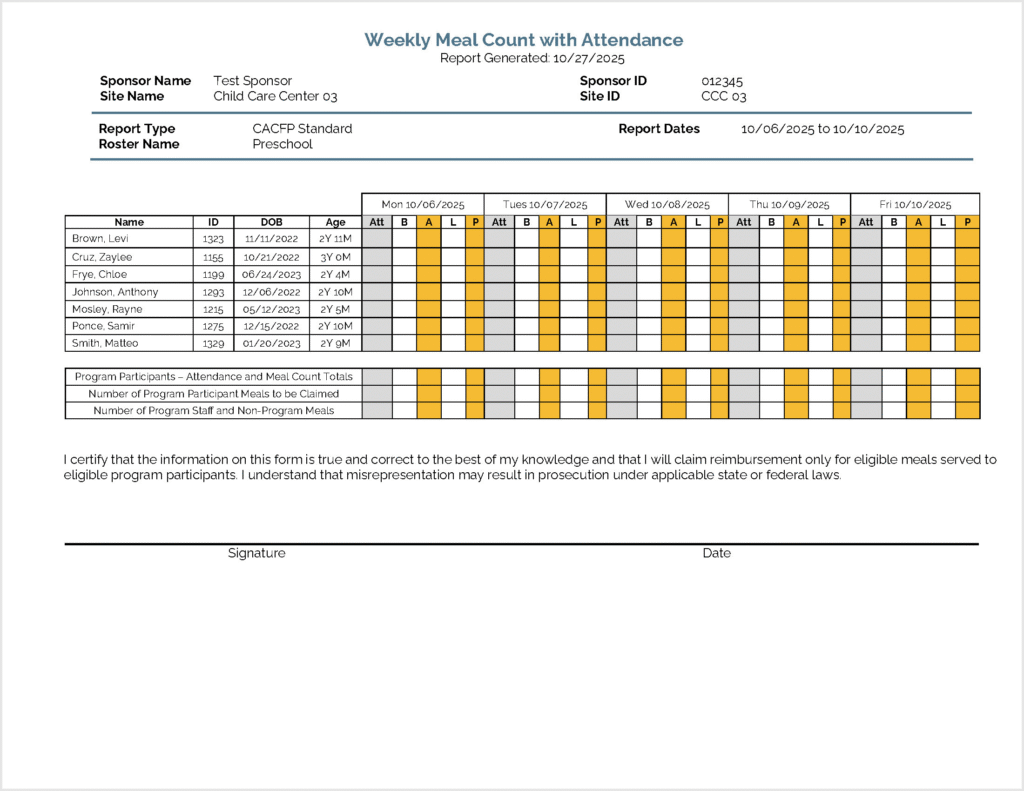
Take a closer look at our software! Explore a selection of screenshots and sample reports that showcase the customizable features and user-friendly interface designed to make managing the CACFP easier. Whether you’re curious about specific functionalities or want a preview of how our software can work for you, this page provides a sample of what you can expect. Take a look around and see how our customizable software can help you manage the CACFP.
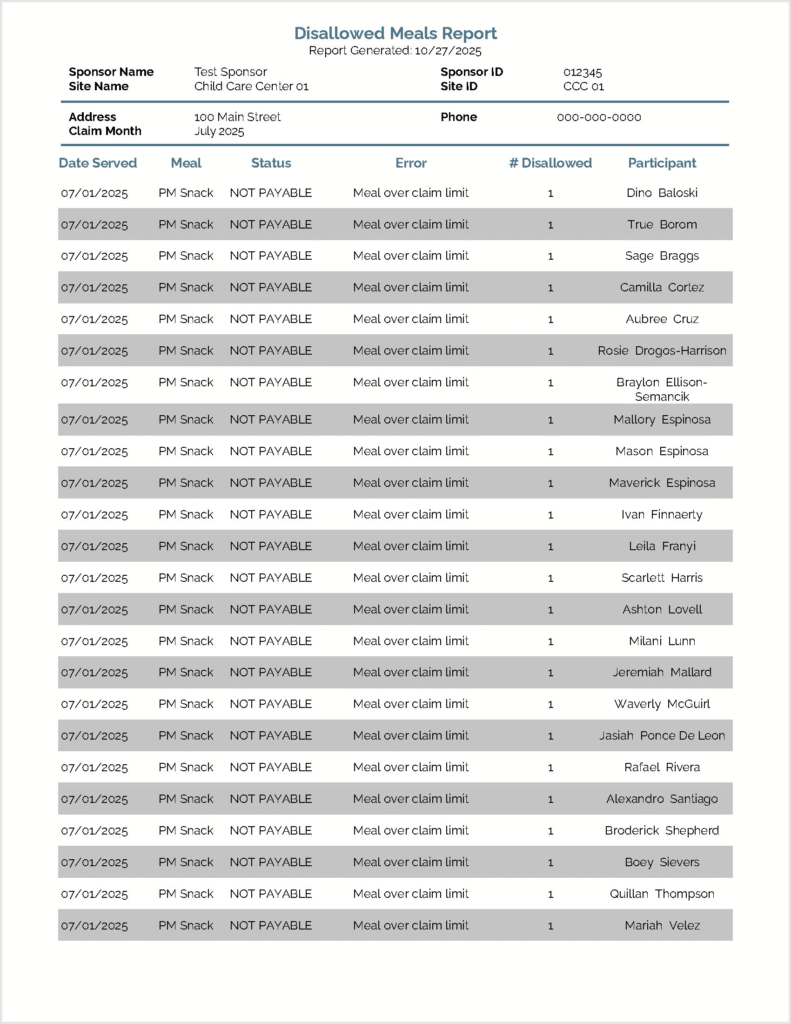
A list of the meals that were non-payable (over the daily claim limit) or disallowed for a calendar month. Includes the date, meal type, participant and the reason for the disallow.
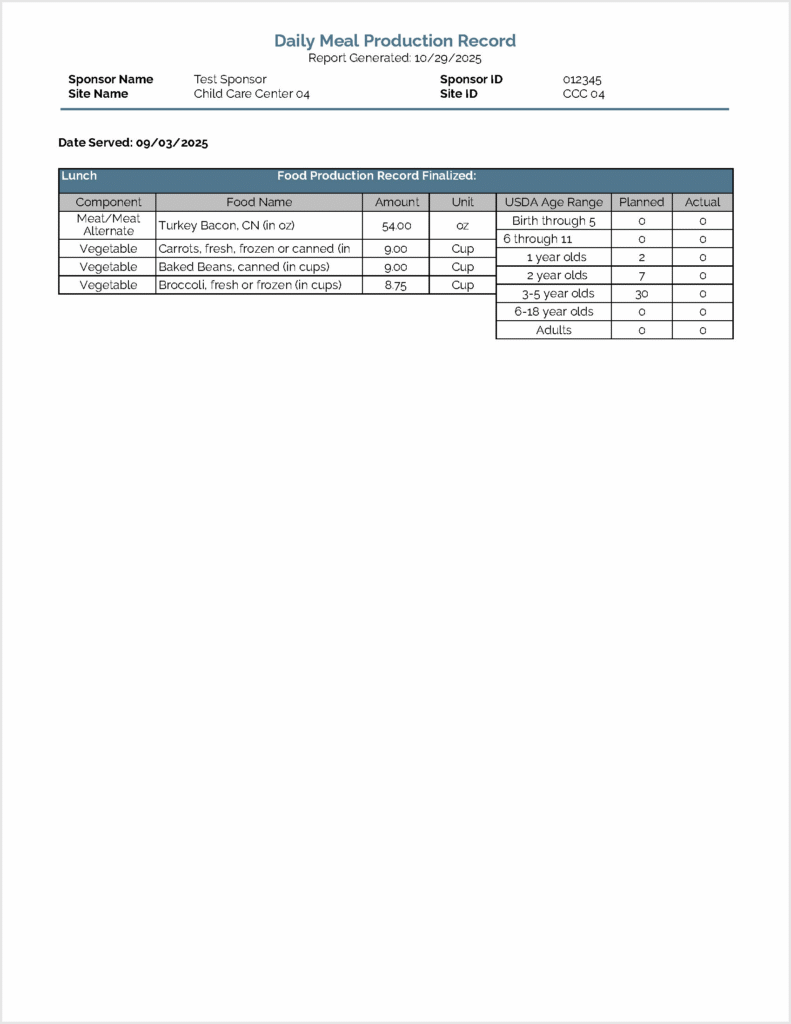
This report pulls all meal production records for each day onto one page. This report does not include substitutions for special dietary needs or a record of leftover/recycled food.
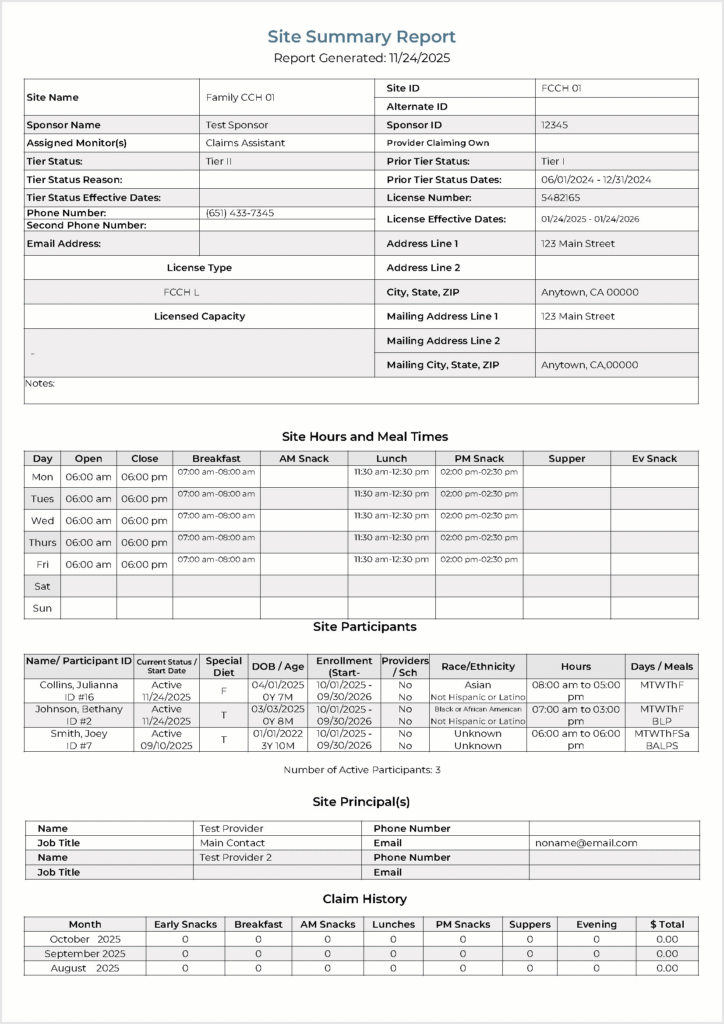
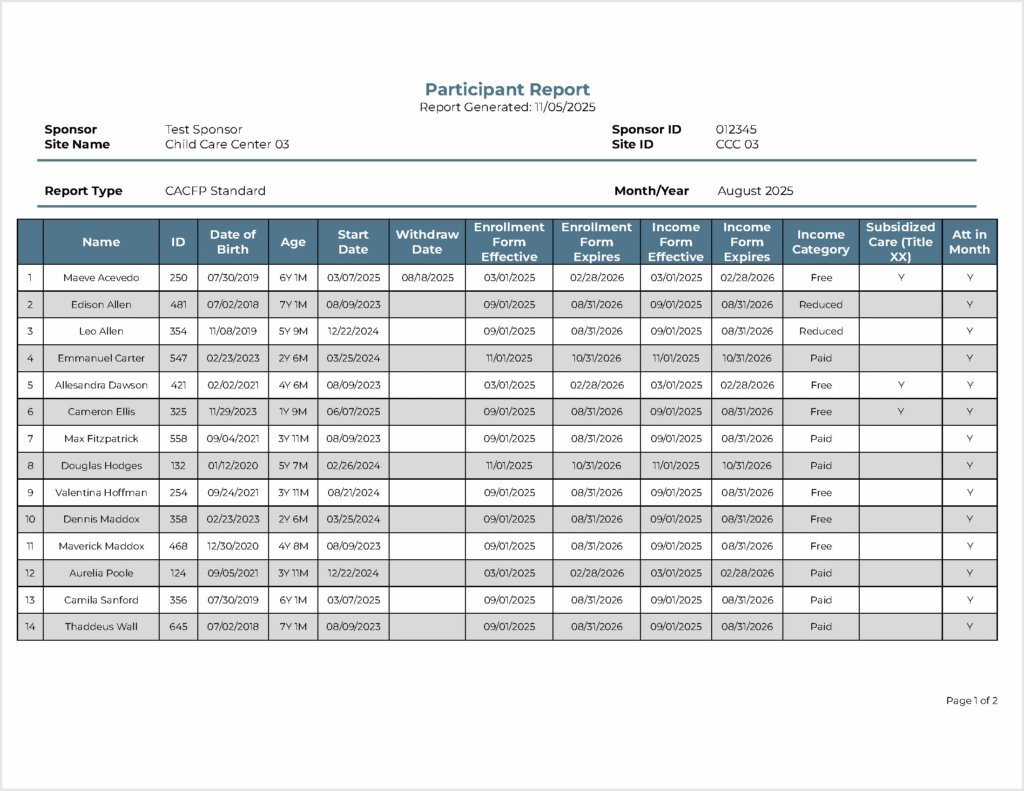
This report is a list of the participants that are included in a claim along with their income eligibility category (Free/Reduced/Paid or Tier I/Tier II).